EdgeShelf · in beta
Push. Drop. Carry on.
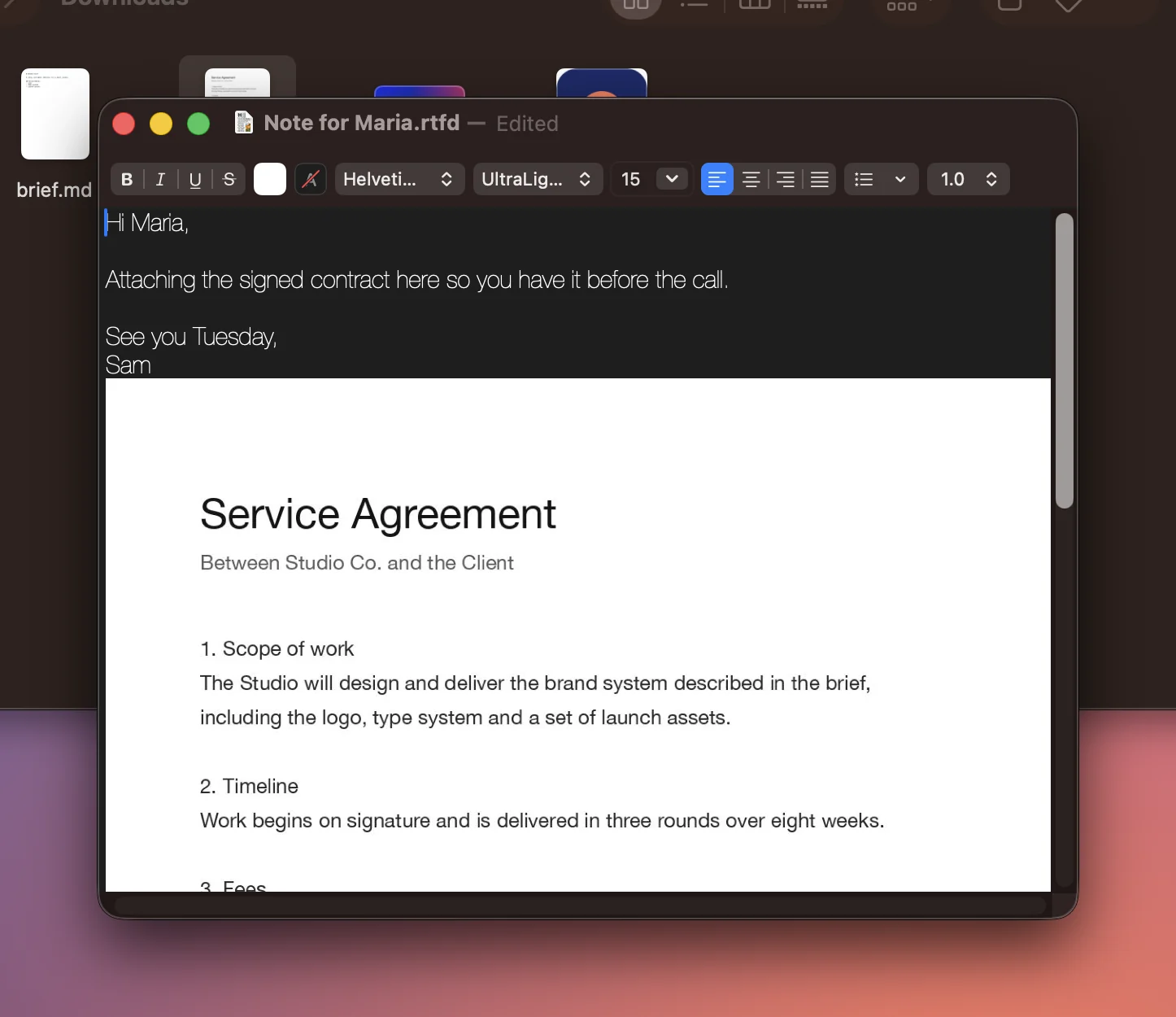
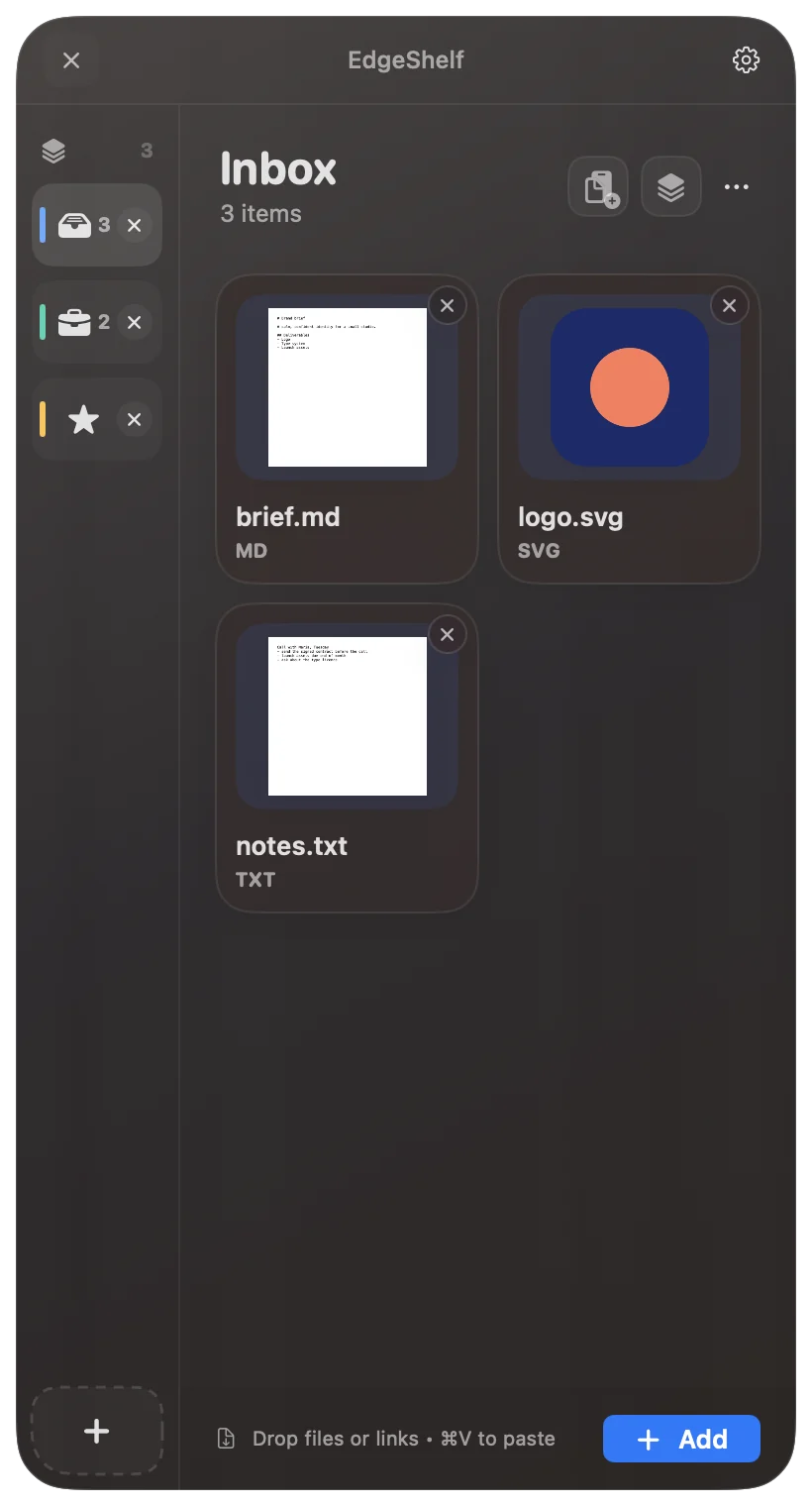
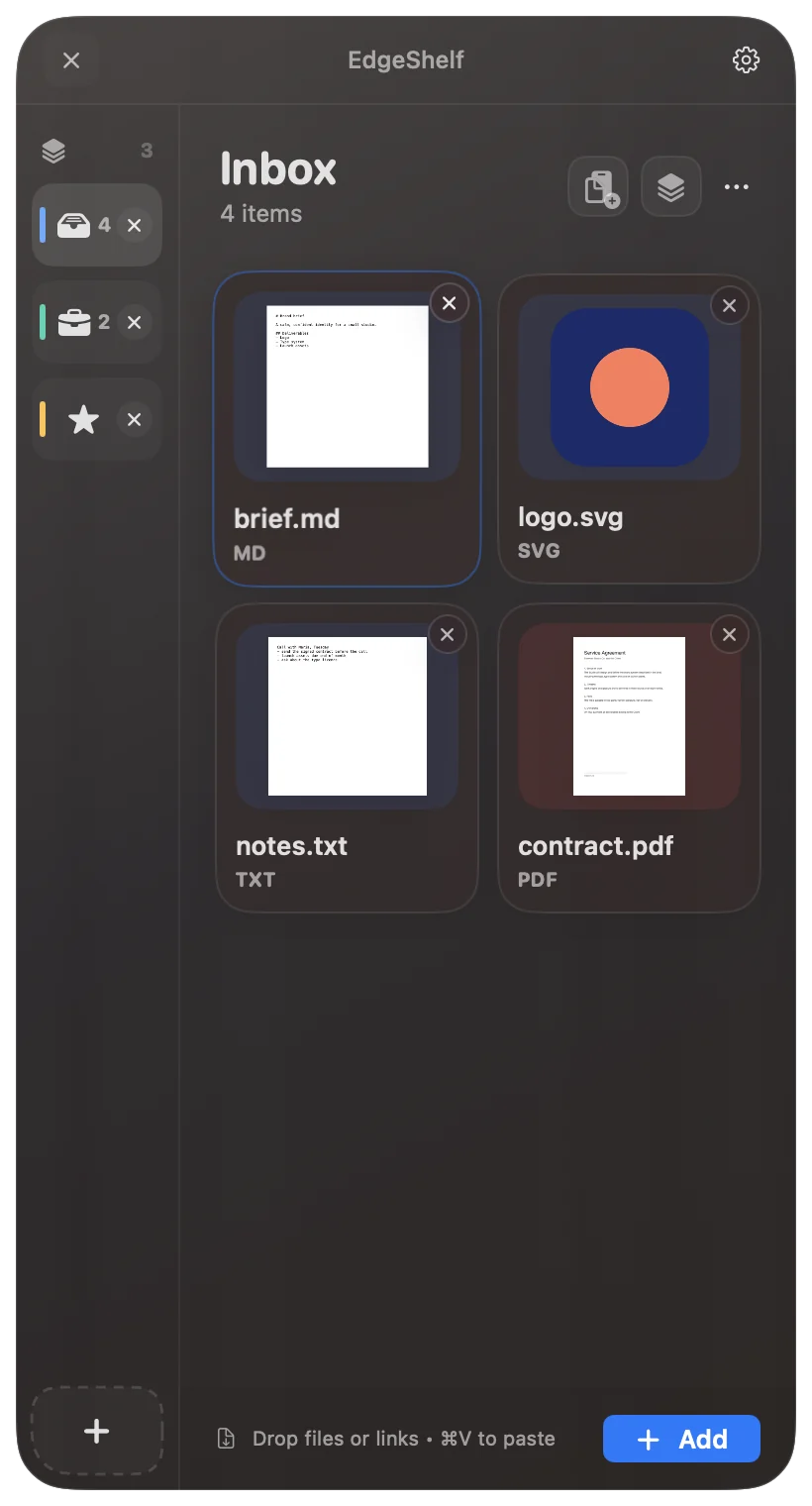

Every file you move crosses the same gap.
Three points from the edge, the shelf is there.
Drop it. Switch app. It is still waiting.
Out the other side, into anything.
Open it your way.
Four edges, any display, and nothing that asks for a permission.
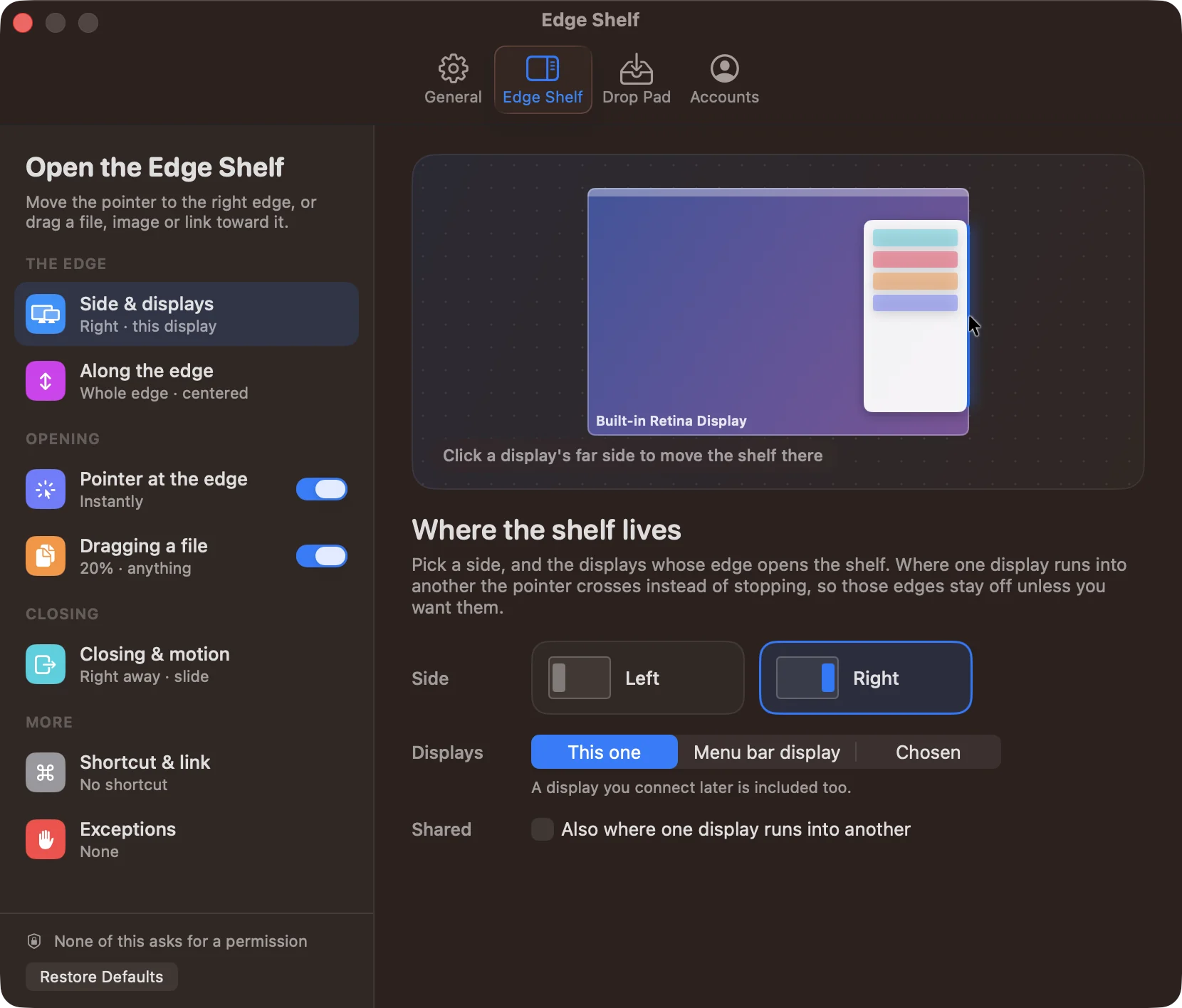
Or bring the shelf to the file.
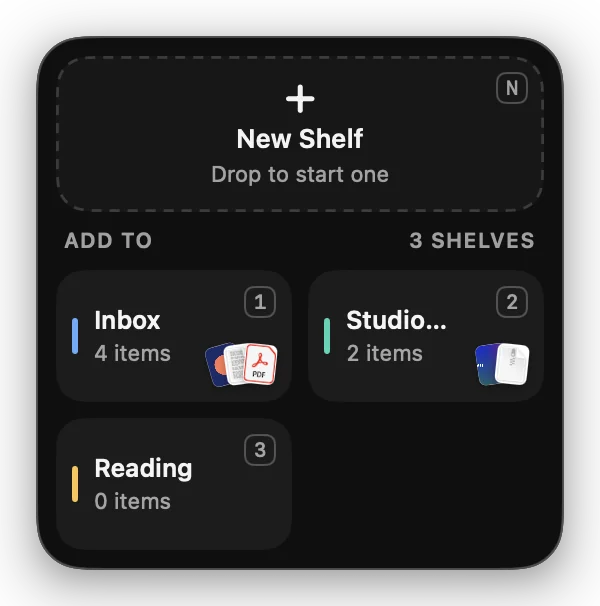
Mid-drag, hold a key. The Drop Pad opens beside the pointer with every shelf on it.
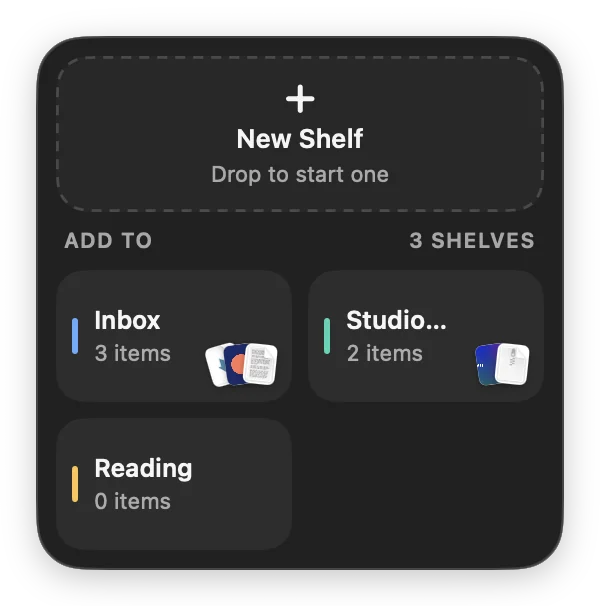
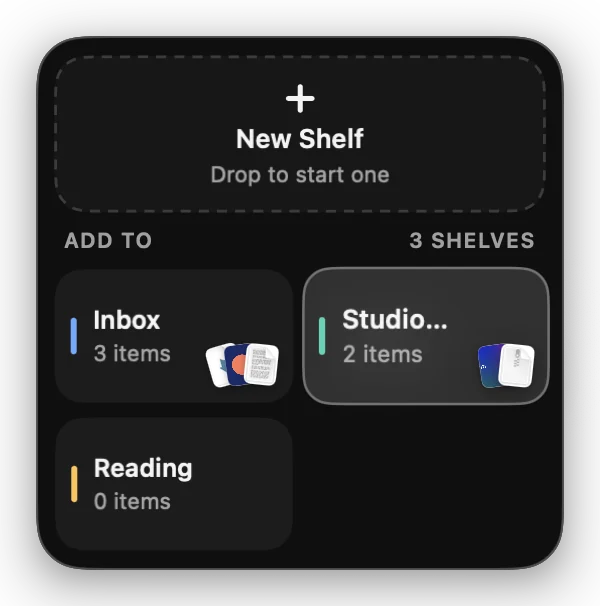
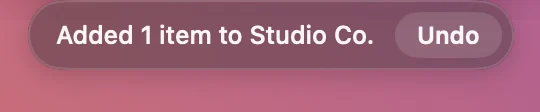
Mid-drag, hold ⌃.
The Drop Pad blooms beside the pointer.
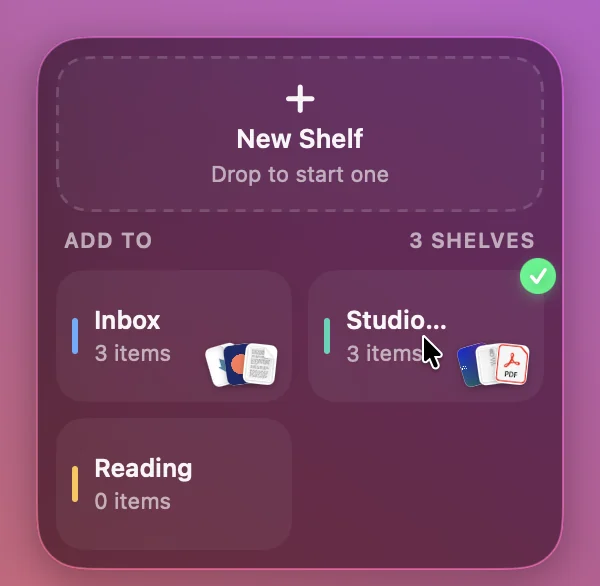
Aim at a shelf, and let go.
Added. Undo, if you like.
Six ways to the Drop Pad.
Mid-drag, or any time at all. None of them asks for a permission.
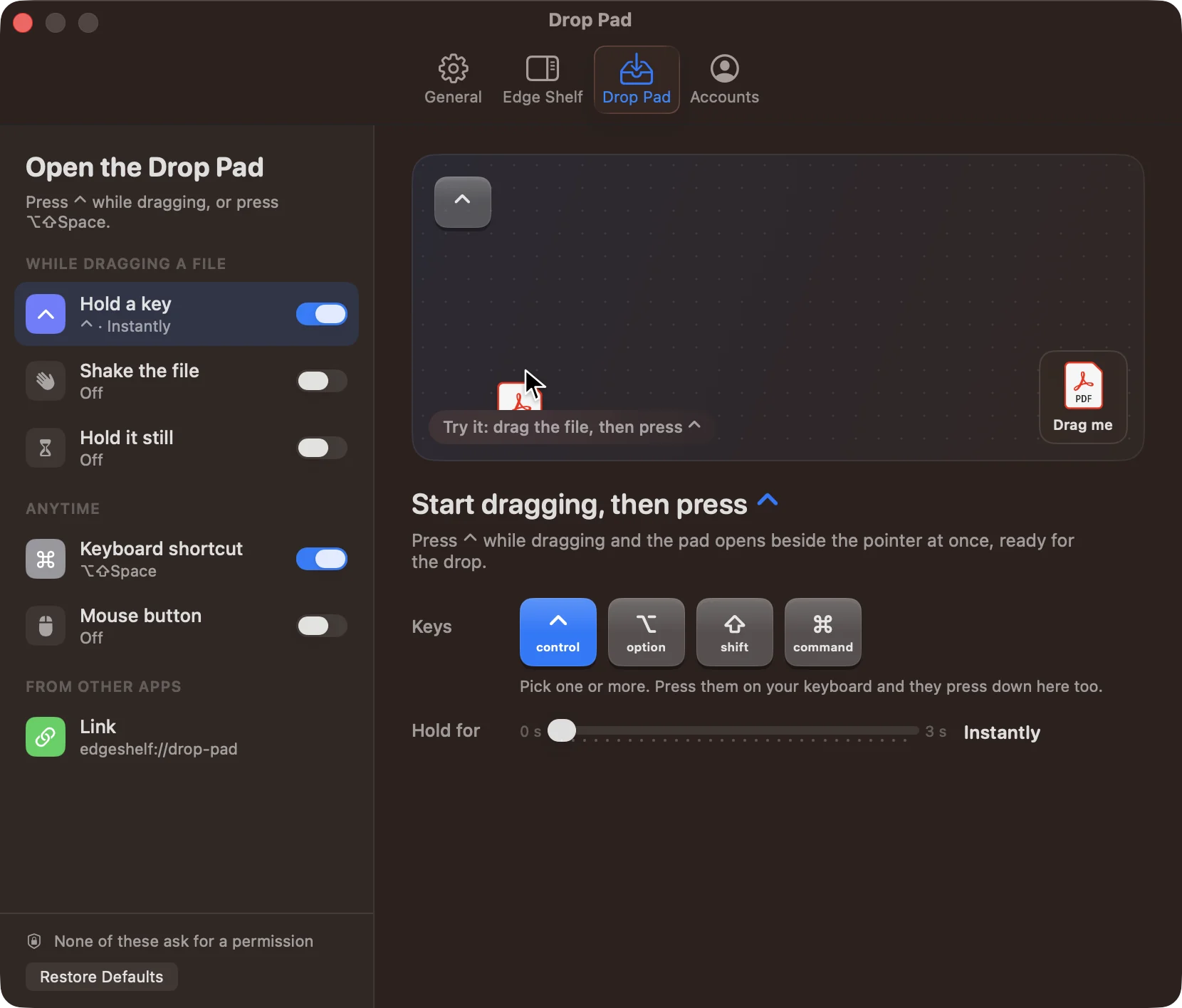
Hold a key
Hold ⌃ and the pad opens under the drag. Any keys, any wait, from none to three seconds.
Shake the file
A few quick turns of the file you are dragging. Light, medium or firm.
Hold it still
Stop moving for a moment once the drag is under way, and the pad comes to you.
Keyboard shortcut
⌥⇧Space by default, and it works in the middle of another app’s drag. The tiles take keys: 1 to 4 add what’s on the Clipboard, N starts a new shelf with it.
Mouse button
A spare button on your mouse, if it has one.
A link
edgeshelf://drop-pad. Anything that can open a link can open the pad: Shortcuts, a launcher, a Stream Deck.
Or send it as a link.
Get Link uploads a file from the shelf to your own Google Drive or Dropbox and copies a link to share it.
Only its own files
EdgeShelf asks for the drive.file permission: it can create files in your Drive and reach only the files it created. The rest of your Drive stays out of its sight. It reads your account’s email address only to show which account is connected.
Only its own folder
EdgeShelf works inside its own app folder in your Dropbox, and nowhere else. It reads your account’s email address only to show which account is connected.
Nothing goes through us
You sign in on Google’s or Dropbox’s own page. The sign-in stays in your Mac’s Keychain, files go straight from your Mac to your account, and disconnecting in Settings forgets it. Privacy policy